

Wi-Fi Access Points
Wireless coverage for the spaces, staff, and devices that keep operations running. Explore Wi-Fi access points that extend coverage across facilities, outdoor areas, and distributed sites, with Wi-Fi 6 for high-density deployments, fast roaming between units, and separate networks for guests, staff, and connected devices.
Peplink and Ericsson Cradlepoint access points come through Paygasus under manufacturer authorization, and more.
PoE delivers power and data over one cable, and cloud management handles configuration, monitoring, and firmware from one console. Ruggedized outdoor models cover transit platforms, parking facilities, industrial yards, and other exposed locations.
Browse the products below or request a configured quote sized to the coverage area and connected devices.
- ✔ Authorized source, manufacturer warranty on every unit
- ✔ Unit count and placement sized from a floor plan
- ✔ Talk to a specialist before buying
- ✔ Shop all networking devices
-
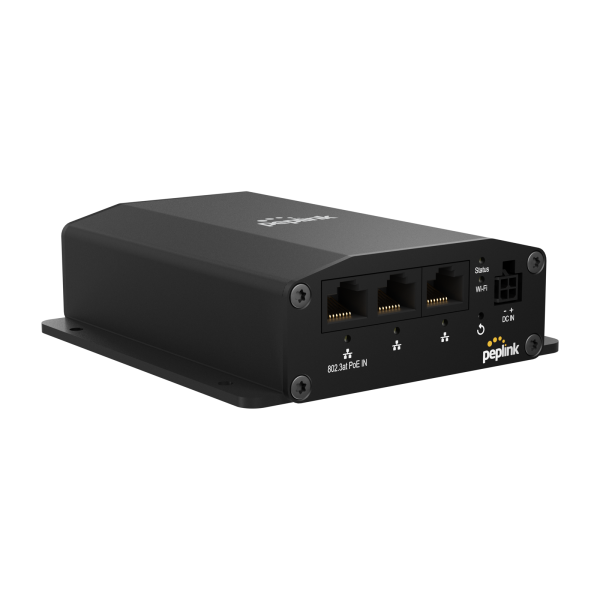
Peplink AP One Rugged Wi-Fi 5 Access Point
Dual-band Wi-Fi 5 access point rated -40 to 65 °C, shock and vibration resistant, with three gigabit ports and PoE or DC power.
More details$299.00 -
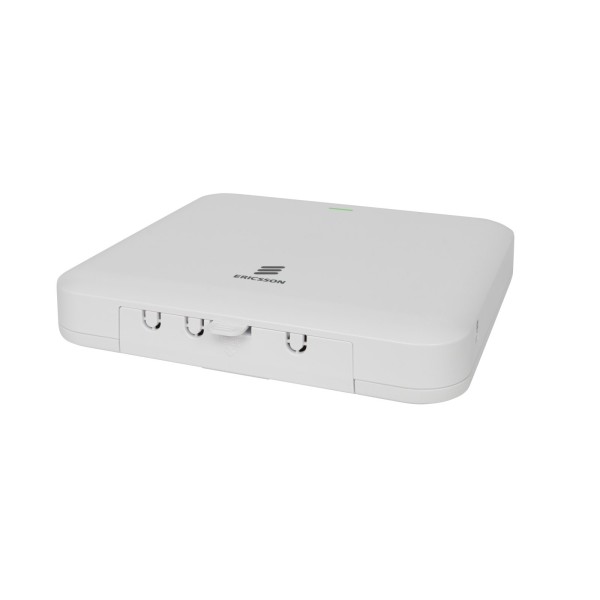
Ericsson Cradlepoint AP2600 Wi-Fi 6 Access Point
Wi-Fi 6 access point for branch and multi-site networks that pairs with the Ericsson Cradlepoint router already on site and is managed from the...
More details$739.00 -
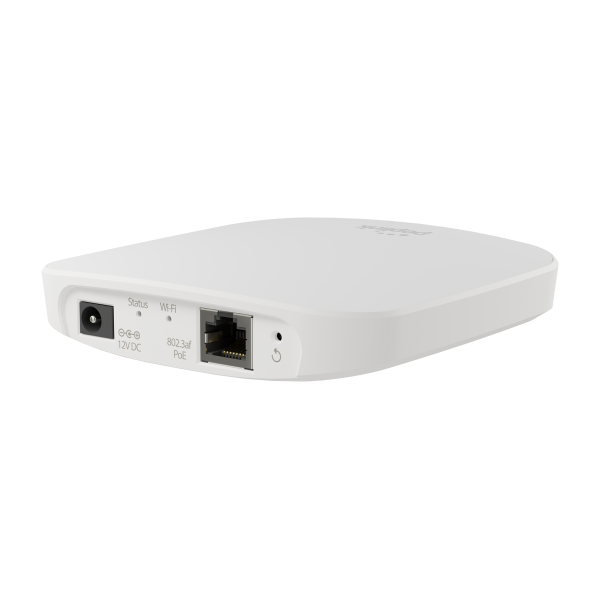
Peplink AP One AC Mini Wi-Fi Access Point
Compact simultaneous dual-band 802.11ac Wave 2 access point in a ceiling or wall mount housing, managed from InControl 2, deployed by branch...
More details$179.00 -
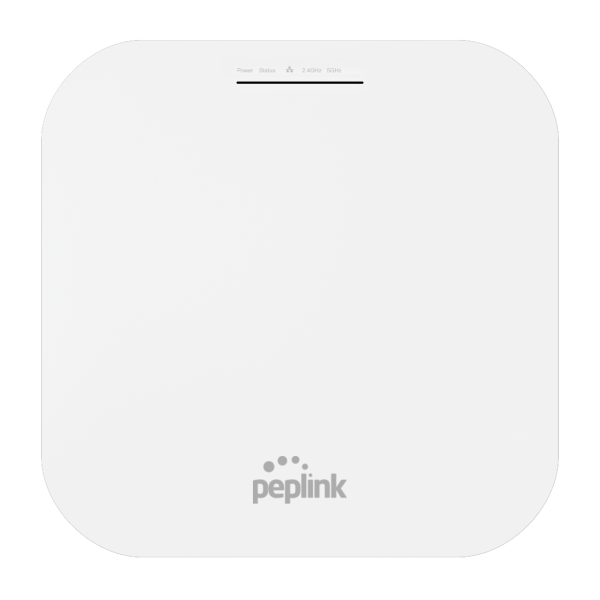
Peplink AP One AX Wi-Fi 6 Access Point
Dual-band Wi-Fi 6 access point with 4x4 MU-MIMO radios, a 2.5 Gigabit Ethernet port, 802.3at PoE and InControl cloud management, deployed by...
More details$399.00 -
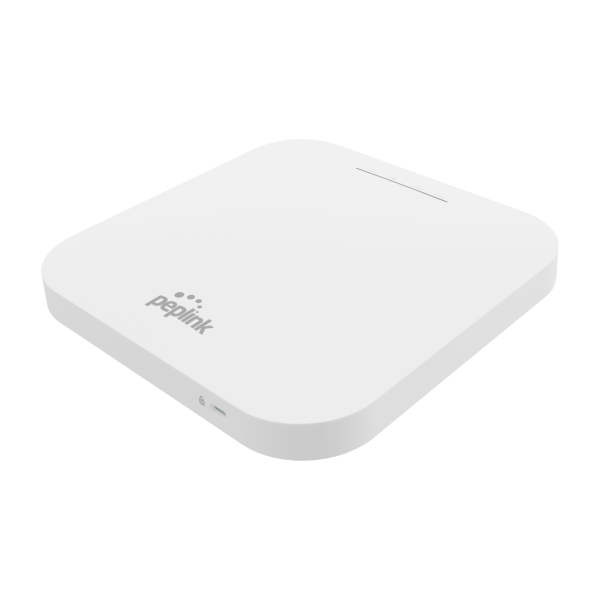
Peplink AP One AX Lite Wi-Fi 6 Access Point
Compact dual-band Wi-Fi 6 access point with 2x2 MIMO radios, Gigabit Ethernet, 802.3at PoE and InControl cloud management, deployed by enterprise,...
More details$299.00
No products match these filters.
Wi-Fi 6 Coverage for Dense and Mobile Sites
Wi-Fi 6 access points are built for high device density, mobile staff, and demanding coverage areas, with centralized administration across locations.
- ✔ Dense sites. Wi-Fi 6 is built for many connected devices at once, including handhelds, tablets, printers, and sensors.
- ✔ Moving staff. Fast roaming hands devices between compatible access points as employees move through facilities, depots, and transit platforms.
- ✔ Mesh where cable cannot reach. Mesh-capable access points link wirelessly to other units, with fewer cable runs to hard-to-reach locations.
- ✔ Separate networks. Separate wireless networks for guests, staff, and connected devices, with centralized configuration and security controls.
- ✔ Outdoors. Sealed, IP-rated access points with extended operating temperature ranges for parking facilities, industrial yards, transit platforms, and building exteriors. Explore Outdoor Access Points.
Indoor and Outdoor Models
Indoor access points mount on ceilings and walls in offices, lobbies, clinics, depots, and other enclosed facilities.
Outdoor access points add weather-resistant housings, extended operating temperature ranges, and pole or wall mounts. Select models also bridge buildings or open areas wirelessly, with the appropriate surge protection and antenna configuration.
Explore Indoor Access Points and Outdoor Access Points.
PoE-Powered and Cloud-Managed
Single-cable installation and centralized administration, on most models.
- ✔ PoE powered. Power and data over one cable from a compatible PoE switch or injector, for mounting wherever coverage is needed.
- ✔ Cloud console. Remote configuration of wireless networks, passwords, channel settings, and firmware through the manufacturer console.
- ✔ Wired ports. Select models add Ethernet ports for printers, terminals, and other wired devices at the mount point.
- ✔ Antennas. Integrated antennas on most models; select outdoor models accept external antennas for directional coverage and wireless bridging. Explore Antennas.
Frequently Asked Questions
How many access points does a site need?
It depends on coverage area, building layout, construction materials, device count, and expected traffic. A Paygasus specialist can estimate the count from floor plans, site photos, and deployment details before quoting.
Can the router's own Wi-Fi do the job?
For a small area with few devices, often yes. Larger facilities, outdoor locations, and high device counts call for dedicated access points positioned across the coverage area.
Can guest and staff traffic be kept apart?
Yes. Access points with multiple SSIDs and network segmentation run separate wireless networks for guests, staff, and connected devices, each with its own credentials and policies set from the manufacturer console.
Can an access point connect two buildings?
Yes. Compatible outdoor access points form wireless bridges between buildings or across open areas. Range and performance depend on the equipment, antenna configuration, line of sight, and environmental conditions; bridging configurations are listed in each product's specifications.
What does an outdoor unit need that an indoor one does not?
A sealed, weather-resistant housing, an extended operating temperature range, and pole or exterior wall mounting. Surge protection requirements and environmental ratings vary by model and installation.
Mesh or cabled access points?
Cabled wherever Ethernet can run, since a wired connection gives each access point consistent performance and dedicated capacity. Mesh extends coverage to locations where running cable is impractical.
Does it work with any router?
Most Ethernet-connected access points work with routers and switches from any manufacturer. Centralized management and some advanced features require matching hardware or a specific console, and equipment from one manufacturer is simpler to configure and administer.