
Satellite Internet for Business Sites: Which Starlink Kit and Plan Fit Each Site
Sky view first, then fixed or in motion, AC or DC, primary or bonded. Which Starlink kit and which Business plan go at a charger, a lot, a branch, or in a truck, with the card terminal behind the router.
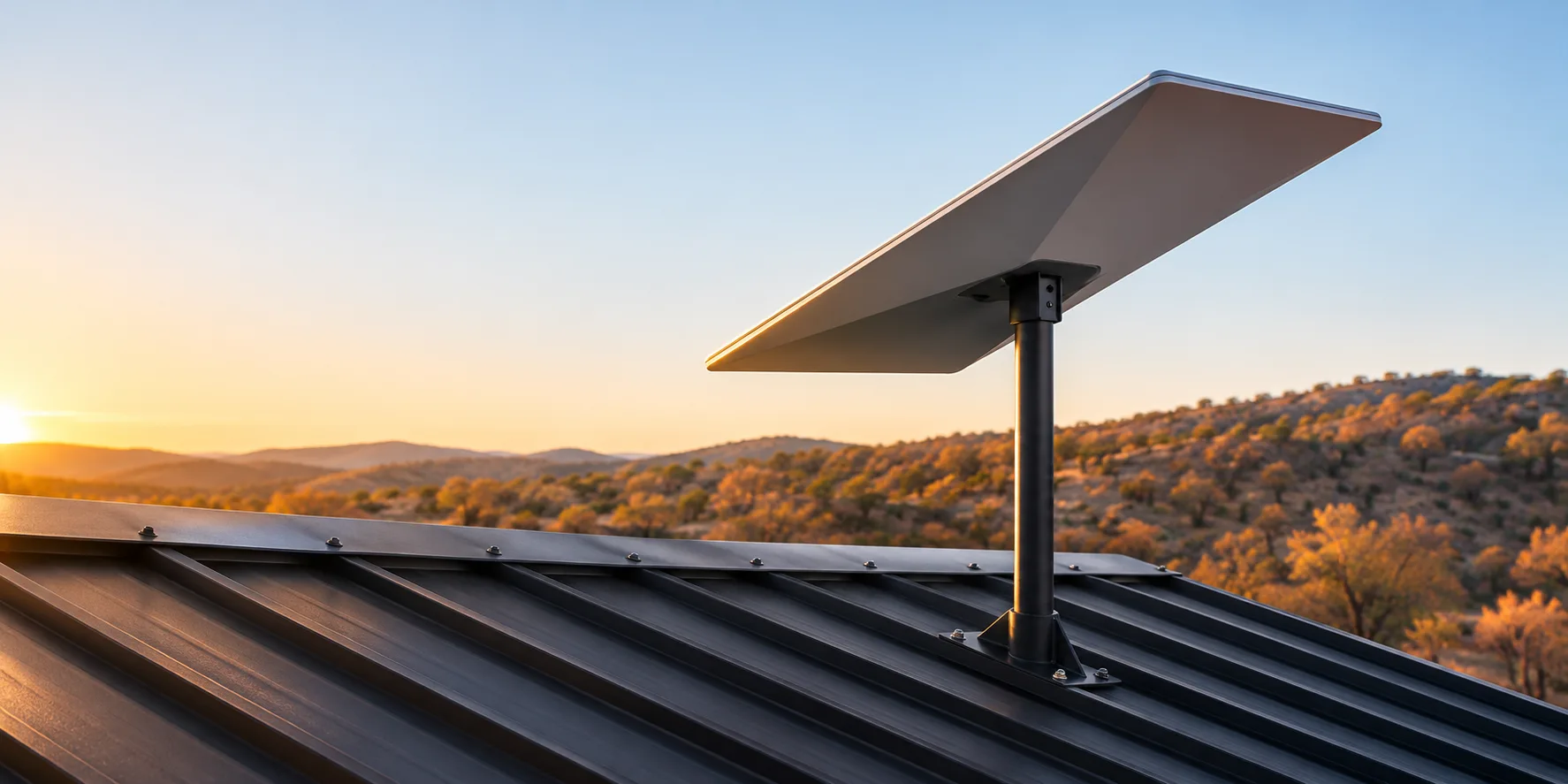
A business site can run on Starlink when four conditions align: the dish has a clear view of the sky, the kit suits where it mounts and how it is powered, the plan carries the site's data, and a router keeps the terminal on a second path. Satellite internet for business sites comes down to those four questions, and the answers differ between an unattended stand, a store counter, and a vehicle. The sections that follow match each site type with its kit, its plan, its power source, and the router that serves the site.
The sky determines the site, the power source determines the kit, and the plan is sized for the worst day rather than the average one. The terminal places almost no demand on the dish; what it requires from the router is a second live path and its own VLAN.
Sky, Mount, Power, Path: Four Checks Before the Kit
Four checks determine the kit and the plan: whether the sky is clear where the dish will mount, whether the dish stays fixed or moves, whether the stand has AC or only DC, and whether the dish serves as the primary path or the bonded second path.
Sky View Before Anything Else
Starlink's installation guide calls for the obstruction check in the app before the mount goes up, a mount within 40 degrees of vertical, and a tether in every case. Trees, parapets, and canopy edges appear in the check as scheduled drops rather than a dead dish, and snow piled around the dish blocks the field of view in the same way.
Fixed, Portable, or In Motion
The Standard 4 kit is the fixed-site dish with an indoor router. The Mini is the portable, DC-powered dish with built-in Wi-Fi. The Performance Gen 3 is the in-motion dish, rated for vehicles and the harshest fixed sites. The Performance Gen 2 was the earlier in-motion kit, and the Enterprise V4 is being phased out; neither is available in the Paygasus shop.
AC at the Wall or DC at the Stand
The Mini accepts 12 to 48 V DC or USB-C power. The Performance Gen 3 accepts AC or 12 to 56 V DC and keeps its power supply outdoors at IP68. The Standard kit runs on a 100 to 240 V AC supply that, like its router, is restricted to indoor use.
Primary Path or Bonded Second Path
A site with no fiber runs the dish as the primary path, with cellular as backup. A site with fiber runs the dish as the second path, bonded with the fixed line inside the router's tunnel, which turns a switch between the two into a reweighting rather than a reconnect. That is the design described in the cellular failover guide, with satellite in the role cellular held.
Unattended Stands and Lots: Chargers, Kiosks, Car Washes
An unattended stand typically has a terminal, often a charger controller or camera, DC power, and no one on site to reboot a router. The dish mounts to the pole or canopy edge, the router sits in the enclosure, and the terminal runs on its own VLAN behind the router.
| Kit | Average Draw | Power Input | Temperature and Rating | Field of View | Router and Cable | Fit |
|---|---|---|---|---|---|---|
| Starlink Mini | 25 to 40 W. | 12 to 48 V DC, USB-C PD, or AC supply. | -30 to 50°C; IP67 with the Starlink cable only. | 110°. | Wi-Fi 5 built in, one LAN port; 15 m cable. | The DC stand with an enclosure. |
| Starlink Performance Gen 3 | 75 to 100 W. | AC or 12 to 56 V DC. | -40 to 60°C; IP68, IP69K with cables installed. | 140°, fixed orientation. | Third-party router direct, or the Gen 3 router; 25 m cable. | The site that sees -40 or 60°C, or has no indoor spot for a power supply. |
| Starlink Standard 4 | 75 to 100 W. | AC supply, indoor only. | -30 to 50°C; IP67 dish. | 110°. | Router Mini, two gigabit ports, indoor only; 15 m cable. | The stand with an indoor cabinet and AC. |
| Starlink Performance Gen 2 | 110 to 150 W. | AC supply. | -30 to 50°C; IP56. | 140°, fixed orientation. | Gen 2 router; 8 m cable. | The earlier in-motion kit; not available in the shop. |
Mini in the Enclosure on DC
The Mini is the kit for a charger or kiosk stand with DC power and no cabinet. It runs on the stand's supply, mounts flat, and connects its single LAN port to the router in the enclosure. Two limitations come with the form factor. The IP67 rating holds only with the Starlink cable, which means a standard RJ45 run into the dish voids it, and the Mini is excluded from the 99.9% service level agreement.
Performance Gen 3 Where the Standard Kit Cannot Go
The Performance Gen 3 is the fixed-site kit only where the Standard 4 cannot serve: a site that sees -40°C or 60°C, or one with no indoor location for a power supply. Its range comes at a cost in power. The Gen 3 draws two to three times as much as the Mini, and the UPS must be sized accordingly.
What the Terminal Needs from the Dish
The terminal is the smallest load on the dish. The data block is sized by the controller's telemetry, the cameras, the signage, and the days when the fixed line is down and the dish carries the full load. What the terminal needs is on the router side: its own VLAN, separate from cameras and signage, and a second live path that keeps an authorization from waiting on a reconnect when the sky view is briefly obstructed. The cellular failover guide covers the router design.
Staffed Branches and Store Counters
A branch or store counter typically has AC power at the wall, an existing firewall or router, a counter terminal, and staff Wi-Fi. The Standard 4 kit is the right fit, and the two decisions are whether to use bypass mode and whether to add a public IP.
Standard Kit with the Router Bypassed
The Standard 4 ships with the Router Mini, which has two gigabit ports and is rated for indoor use. Bypass mode turns that router off, Wi-Fi included, and hands the dish connection to the branch firewall or Peplink router. Leaving bypass mode requires a factory reset at the router, which makes it a decision for the installation rather than a later support ticket. Starlink reports two large counter deployments: Casey's, with nearly 470 stores and installations of 60 to 90 minutes each, and Yesway and Allsup's, with 449 stores announced in June 2026.
Public IP, CGNAT, and the Branch Firewall
Starlink's default IPv4 policy is carrier-grade NAT, which permits no inbound traffic. The Business plans add an optional public IPv4 address, enabled from the account dashboard and held by reservation rather than as a true static assignment. A branch firewall, a site-to-site tunnel, or a hub needs that address to reach the site. Starlink's own routers perform no port forwarding under either policy, which is the second reason the branch firewall or Peplink router takes the WAN connection. A Business plan provides the branch with the following:
- A public IPv4 option that the firewall and the hub tunnel can address, retained across reboots by reservation.
- Priority data ahead of residential traffic on the same cell.
- The 99.9% network availability service level agreement, on every kit but the Mini.
- In-motion use up to 100 mph where approved, if the same account also covers vehicles.
A residential plan, by contrast, leaves the branch without the following:
- A reachable address, because the site sits behind CGNAT with no inbound traffic.
- Priority on a congested cell.
- Any service level commitment.
Service Trucks and the Command Vehicle
A vehicle dish must accept vehicle DC, hold a fixed orientation while the vehicle moves, and withstand a pressure wash. One kit in the Paygasus shop meets all three requirements.
| Kit | DC Input | Rating | Temperature | In Motion | Fit |
|---|---|---|---|---|---|
| Starlink Performance Gen 3 | 12 to 56 V DC or AC. | IP68; IP69K with cables installed. | -40 to 60°C. | Yes. | Utility and service trucks that leave cellular coverage, and the command vehicle. |
| Starlink Mini | 12 to 48 V DC. | IP67 with the Starlink cable. | -30 to 50°C. | Not rated by Starlink. | Stationary use at a scene, not while driving. |
Performance Gen 3 for In-Motion Use
The Performance Gen 3 is the vehicle kit. Its 140° field of view is fixed and the dish does not steer, which means the mount must face the open sky along the vehicle's route. The Business plan enables in-motion use in approved countries.
Satellite as the Fallback Behind Two Carriers
In a vehicle, the dish is the path that holds when the truck leaves cellular coverage, and it connects to the router alongside the carriers. Published examples include SA Power Networks, which runs more than 170 utility vehicles with satellite as primary and cellular as fallback on Cradlepoint routers, and the Wyoming Highway Patrol, whose command center router fails over between cellular and Starlink. The routers designed to accept the dish as a WAN are the Peplink MAX Orbit line, the Cradlepoint R2400, and any Peplink or Cradlepoint vehicle router with a free Ethernet WAN port.
Behind the Router: Peplink and Cradlepoint with Starlink
| Router Line | How the Dish Connects | What the Router Adds |
|---|---|---|
| Peplink | Ethernet to a WAN port, DHCP, MTU 1500; bypass mode not required. | SpeedFusion bonding of the dish with fiber or cellular, Ignore Obstruction Outages from firmware 8.5, GPS from the dish, remote stow from InControl 2, Orbit WAN and steadier Starlink health checks in firmware 8.6. |
| Cradlepoint | Ethernet with IP passthrough to the router. | WAN failover between the dish, cellular, and wired links, with the dish positioned as the failover path at a fixed site; the R2400 connects to satellite receivers in a vehicle. |
Bypass Mode, Health Checks, and the Warm Second Path
Peplink, a Starlink Authorized Technology Provider, checks the Starlink WAN with a ping every ten seconds and marks the link down after five misses. That interval is the time a Starlink drop takes to register, and it is the reason the cellular path stays warm inside the tunnel. Ericsson positions satellite as the failover path for cellular or wired connections at a fixed site, and behind a Cradlepoint router the dish therefore switches in rather than bonding with the other paths. The exception is an R1900 or R2400 with Intelligent Bonding through a NetCloud Service Gateway, which can bond the dish the way a Peplink does.
Antenna MAX S: Mini and Router in One Enclosure
The Peplink Antenna MAX S is an IP67 enclosure rated for -40 to 80°C that houses a Starlink Mini together with a BR1 Mini, BR1 Pro 5G, or Transit Duo Pro, powered by 24 V DC or 90 W PoE. It suits a site with no cabinet and no protected location for the router, such as a pole in an open lot; a stand that already has an enclosure does not need a second one. The Antenna MAX S is available in the Paygasus shop under Antennas.
Business Plans, Priority Data, and the 99.9% Line
Starlink sells business service as a monthly terminal fee plus blocks of priority data, and every service line must carry recurring data. On December 1, 2026, the Local Priority plan becomes Business and the Global Priority plan becomes Global Business; the underlying structure does not change. Business and Enterprise accounts cannot pause service in Standby Mode.
| Plan | Where It Works | Data Blocks | After Priority Data | Service Level |
|---|---|---|---|---|
| Business (Local Priority until December 1) | One country, inland only, fixed or in motion up to 100 mph where approved; one terminal per service line; 30 days of international use at a time from December 1. | 50 GB and 500 GB blocks, expiring monthly, no rollover; optional auto top-up. | Unlimited data at up to 1 Mbps down and 0.5 Mbps up until the next cycle or a top-up. | 99.9% network availability; not applicable to the Mini. |
| Global Business (Global Priority until December 1) | Worldwide, land and ocean, in motion up to 100 mph; up to two terminals per service line on one vehicle, vessel, or building. | Same block structure, priced the same worldwide. | Same floor. | Same, with the same Mini exclusion. |
Starlink is explicit about what the plan does not promise: "Stated speeds and uninterrupted use of Services are not guaranteed," and Starlink may reduce speeds when its network is congested.
- No guaranteed speed at any site.
- No unlimited priority data on a business plan; the block is the ceiling until the next top-up.
Power, Mounting, Snow, and Wind
Starlink publishes average power draw rather than peak draw, which means a UPS at an unattended stand should be sized from the average with headroom.
| Kit | Average Draw | Cable | Snow Melt | Wind |
|---|---|---|---|---|
| Starlink Mini | 25 to 40 W. | 15 m. | 25 mm per hour. | Not published. |
| Starlink Standard 4 | 75 to 100 W. | 15 m. | 40 mm per hour. | Operational above 96 km/h. |
| Starlink Performance Gen 3 | 75 to 100 W. | 25 m. | 85 mm per hour. | Survivable above 280 km/h. |
Starlink's mounts are not designed for hurricane or tornado wind loads, and the dish melts snow that lands on its surface, not snow that piles up around the dish.
Kit and Plan by Site Type, One Row Each
| Site Type | Kit | Plan | Data Block to Start | Power | Router Behind It |
|---|---|---|---|---|---|
| Charger or kiosk stand on DC | Starlink Mini | Business | 50 GB, with top-ups based on the controller's usage. | 12 to 48 V DC off the stand. | BR1 Pro 5G, or a BR1 Mini with PrimeCare, which enables its WAN port. |
| Lot or car wash with a controller and cameras | Starlink Standard 4; Performance Gen 3 where the site sees -40 or 60°C or has no indoor spot for the power supply | Business | 500 GB. | AC from the building, or 12 to 56 V DC on the Gen 3. | BR1 Pro 5G, or Cradlepoint R980 with the dish as the failover path. |
| Branch or store counter with fiber | Starlink Standard 4 | Business | 50 GB, as the bonded second path. | AC, indoor supply. | B One 5G or Cradlepoint E300; bypass mode only when the firewall has to own the public IPv4. |
| Branch or store with no fiber | Starlink Standard 4 | Business | 500 GB, as primary. | AC, indoor supply. | B One 5G with cellular behind the dish; behind a Cradlepoint E300, cellular stays primary and the dish is the failover path. |
| Service truck that works outside coverage | Starlink Performance Gen 3 | Business, in-motion enabled | 50 GB per vehicle. | 12 to 56 V DC off the vehicle. | MAX Orbit, BR1 Pro 5G, or Cradlepoint R1900. |
| Command vehicle | Starlink Performance Gen 3 | Business, in-motion enabled | 500 GB. | 12 to 56 V DC off the vehicle. | MAX Orbit 8 or Cradlepoint R2400. |
As a Starlink Authorized Solution Provider, Paygasus supplies the kit and the plan, pairs the dish with the right Peplink or Cradlepoint router for the site, installs at the stand, the counter, or the vehicle, and manages the service alongside the payments under one contract.
Common Questions
Can a Card Terminal Run on Starlink?
Yes. An authorization uses about a kilobyte and should clear even at the 1 Mbps floor once priority data is exhausted. What the terminal needs is on the router side: its own VLAN, and a second live path that keeps a brief obstruction or a dish reboot from declining a card.
What Happens When Starlink Priority Data Runs Out?
Service continues as unlimited data at up to 1 Mbps down and 0.5 Mbps up until the next monthly cycle or a top-up. Blocks expire monthly with no rollover. When usage notifications are on, Starlink sends an email and a push notice at 80 percent and 100 percent of the block, and auto top-up can be enabled to keep a site off the floor.
Does Starlink Work in Rain and Snow?
Starlink does not guarantee uninterrupted service in any weather, and operators report short drops in heavy weather. Those drops are precisely the scenario a bonded second path is designed to cover.
Do I Need Bypass Mode with a Peplink Router?
No. Peplink states that its Starlink WAN features work without bypass mode. Bypass mode matters when a branch firewall must own the public IPv4 address; the app cannot turn it off, and leaving it requires a factory reset at the router. Performance kits have no bypass setting at all, and the third-party router connects directly to the power supply.
One Obstruction Check per Site, Then the Kit
Each site comes back with its obstruction results, along with the kit, the plan and its starting data block, the power at the stand, and the router that serves the dish. Kits and plans are available in the Paygasus shop.
Send the sky surveyNext in this series → Peplink Router Use Cases: Which Model Fits Each Site Type
Writing on the infrastructure of the physical economy — the payments and connectivity underneath it all.
Cradlepoint Router Use Cases: Sorting the Lineup by Package, FirstNet, and Site
The NetCloud package comes first, FirstNet Trusted second, and the site decides the rest. Where each model lands for a fleet, a kiosk, a branch, and a hub, and what the card terminal behind it needs.
Peplink Router Use Cases: Which Model Fits Each Site Type
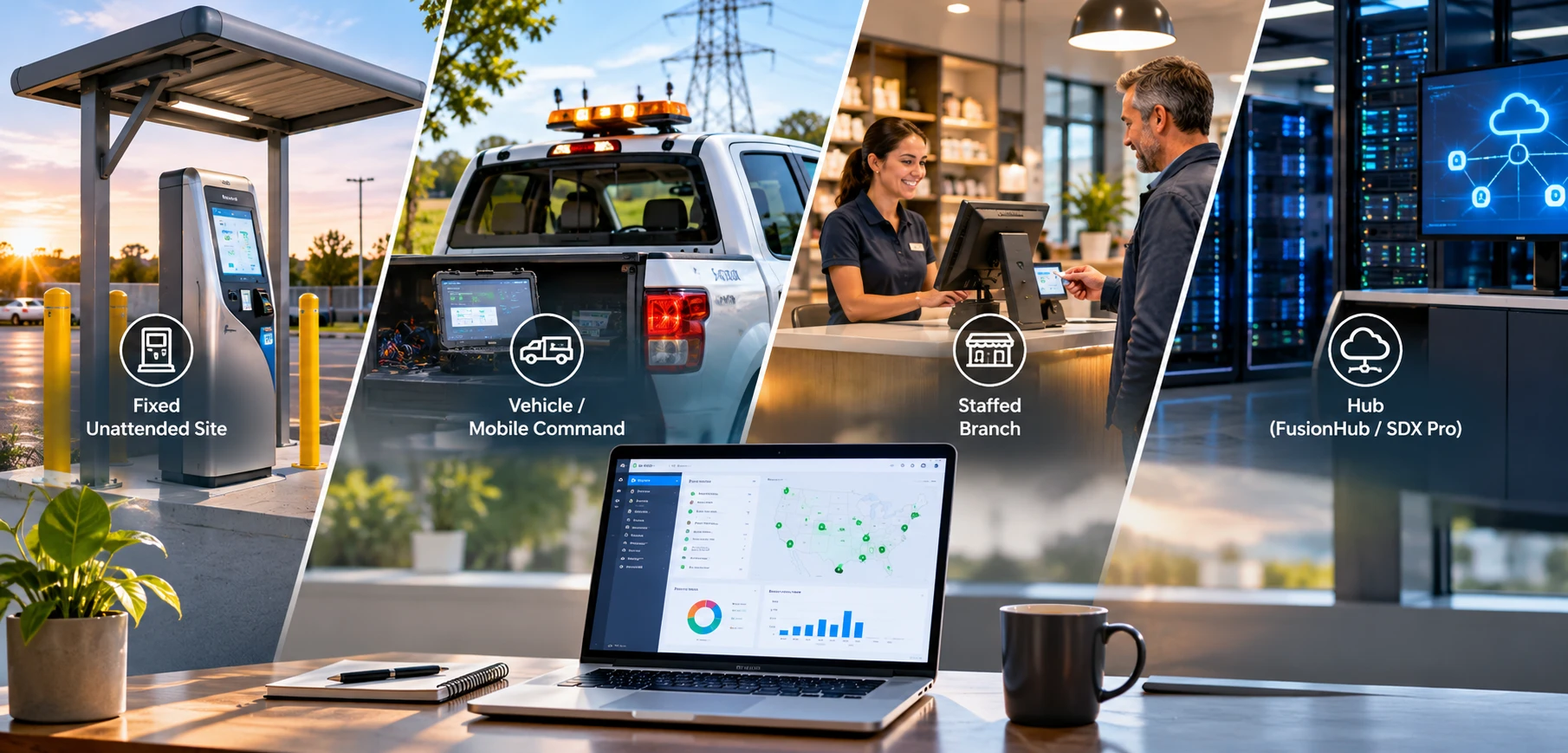
Balance or MAX, one modem or two, a hub or not. How the lineup sorts by the site it goes to, with the payment terminal in the picture, and which care plan each model needs.
Cellular Failover for Payment Terminals: How to Keep Unattended Sites Online
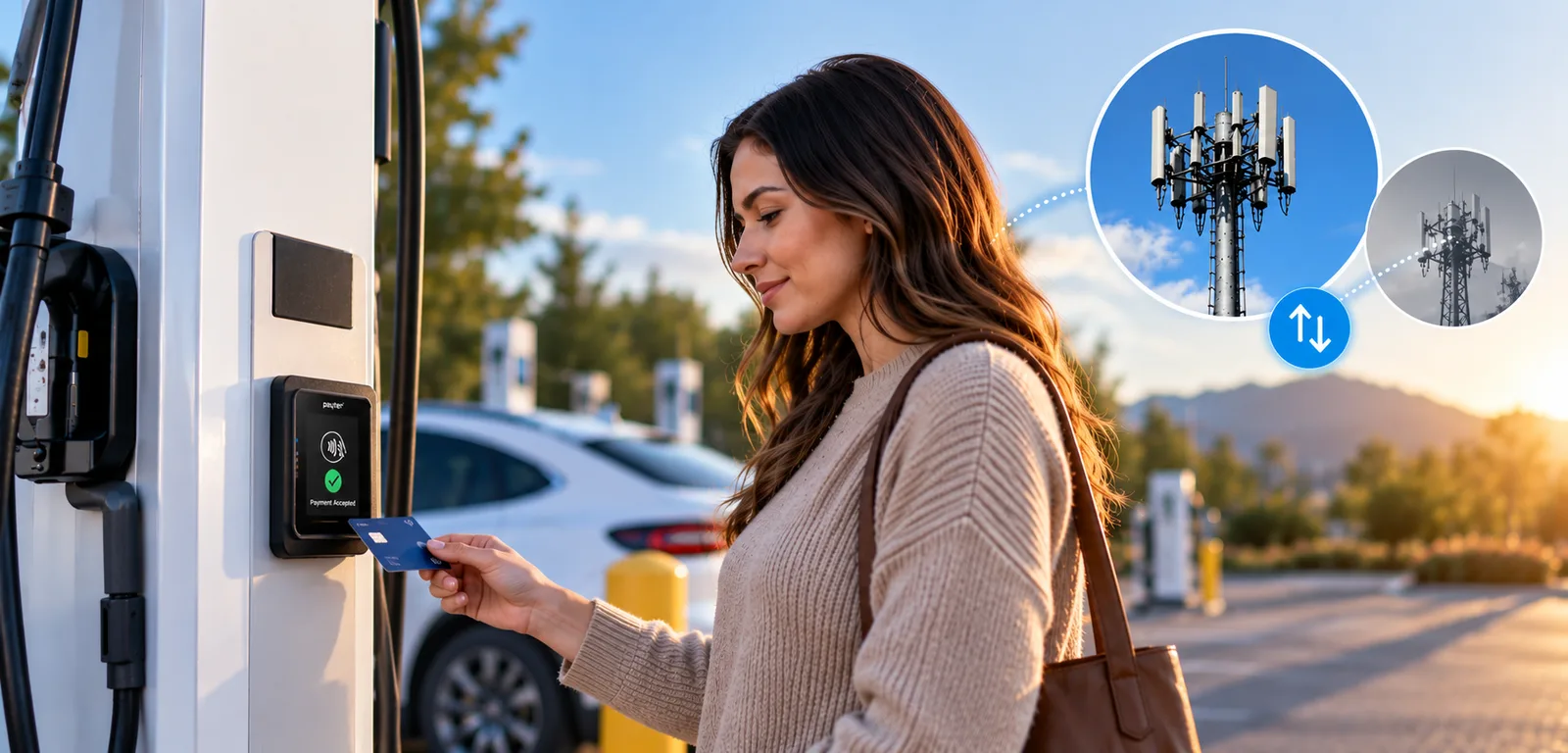
Bars showing and no data moving is the outage that takes a charger or a kiosk down. What a backup line has to do at a site nobody staffs, and why a second SIM is not a second carrier.