PaygasusPaygasus
Contact sales

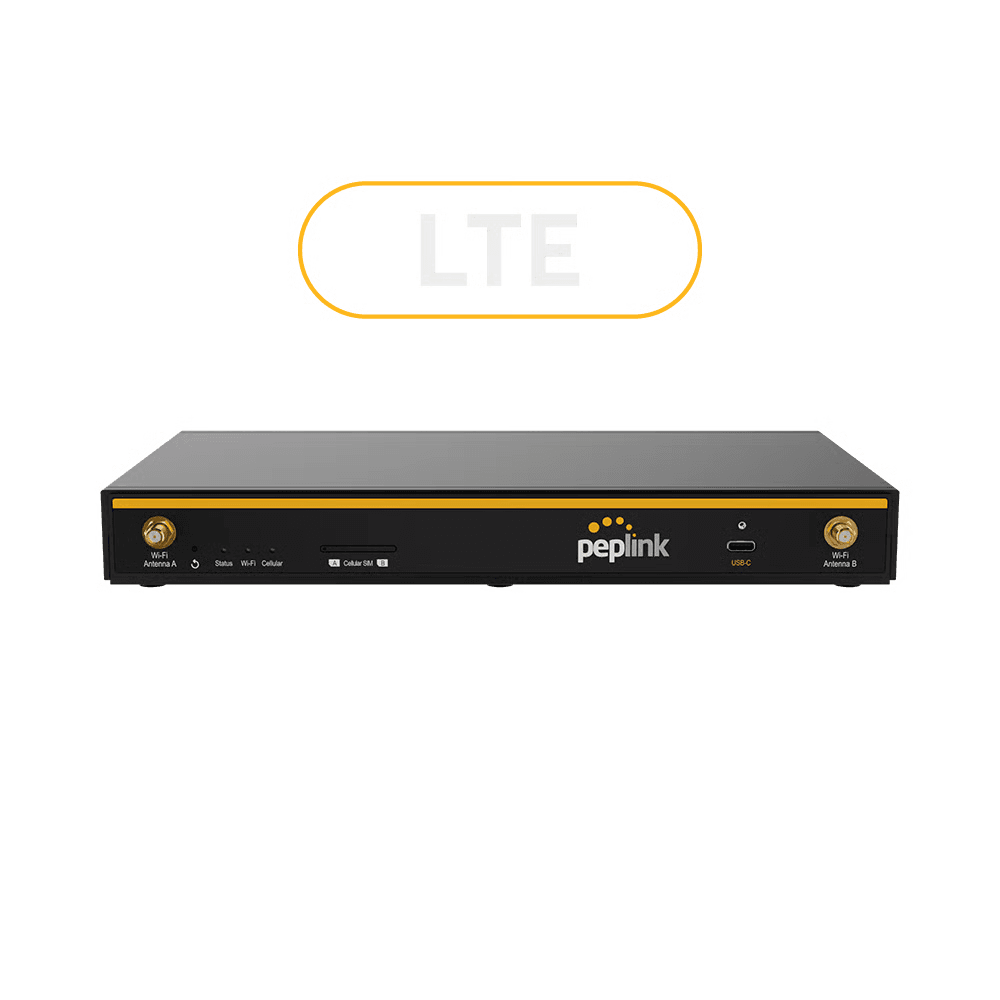
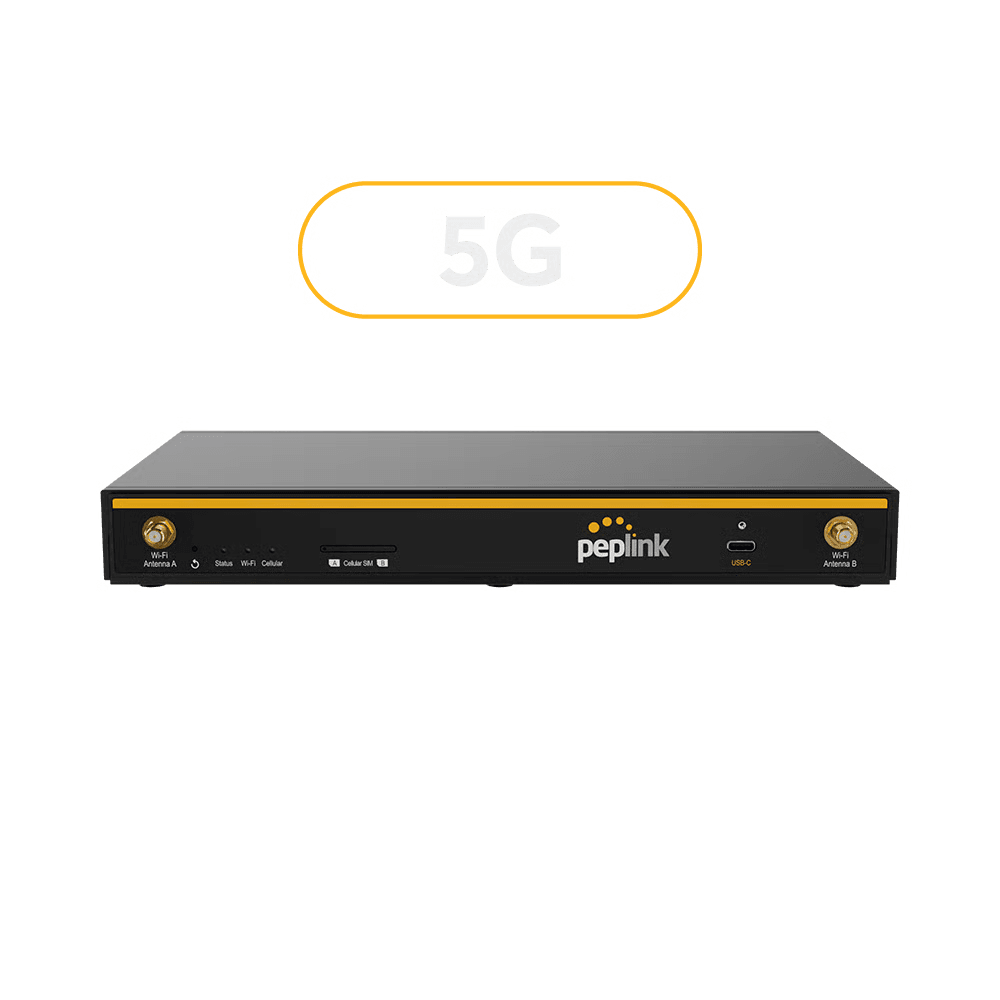
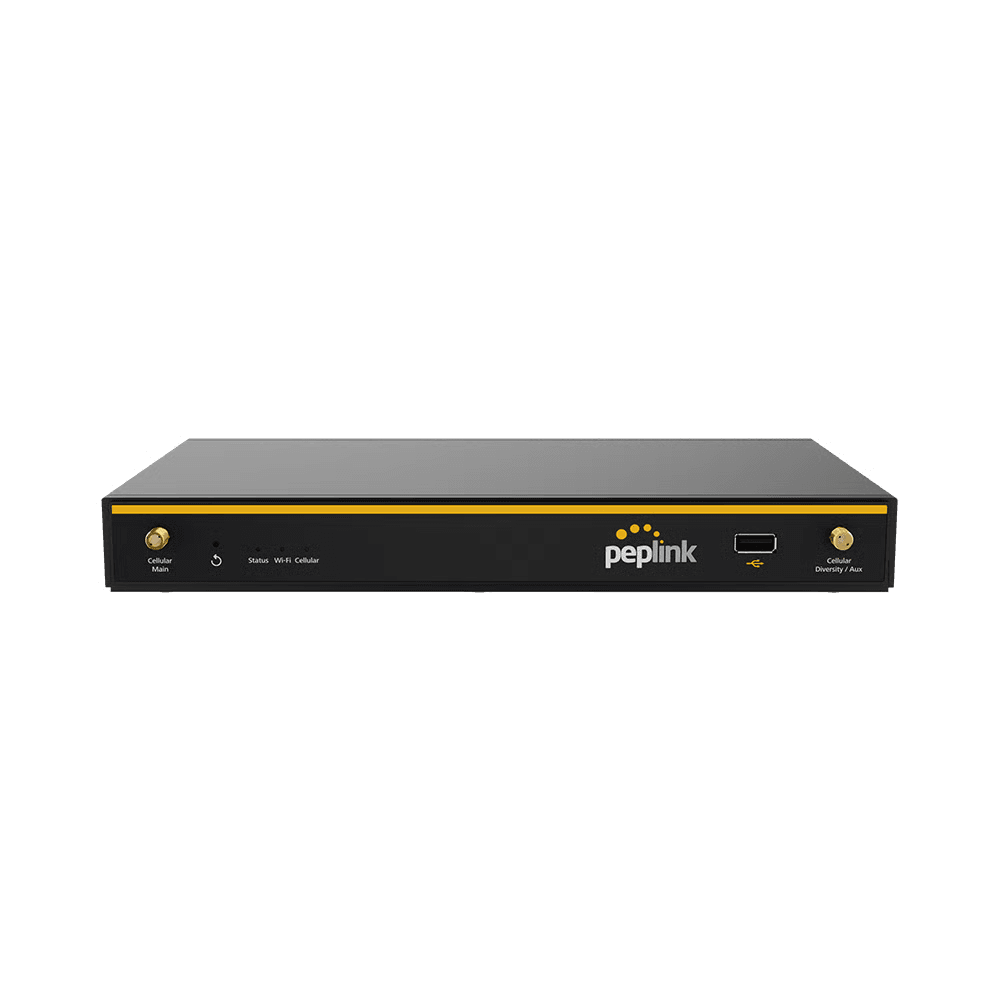
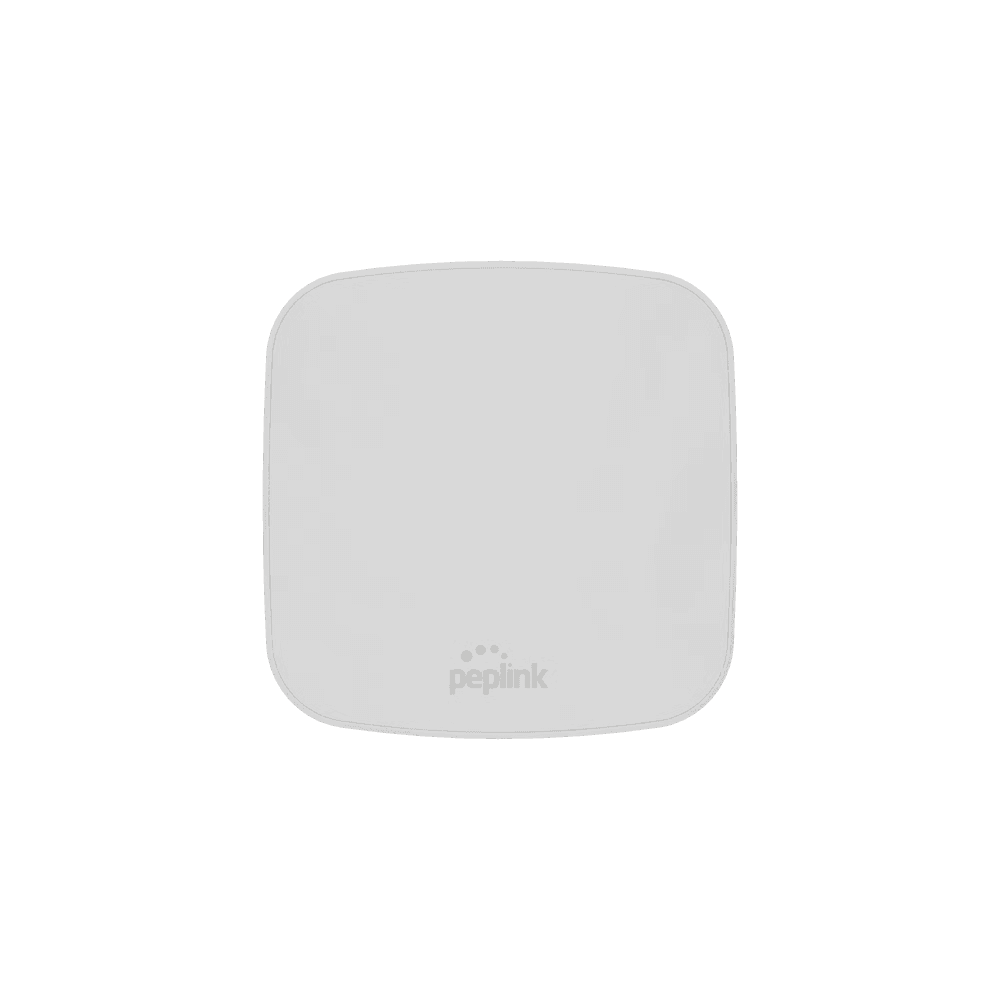
SOHO Routers

Enterprise-grade reliability and security for small businesses and home offices. Built for consistent connectivity, simple management, and future-ready growth.

Benefits of a SOHO Router

High-speed connectivity icon

High-Speed Connectivity

Fast, stable internet for uninterrupted video streaming, large file transfers, business conferencing, and multi-device productivity.

Comprehensive security icon

Comprehensive Security

Enterprise-level firewall, encryption, VPN, and intrusion prevention safeguard sensitive business and personal data.

Simplified management icon

Simplified Management

Remote configuration and centralized monitoring make administration straightforward for small office and home office users.

Scalable architecture icon

Scalable Architecture

Expand network resources as new devices or team members are added, maintaining consistent speed and reliability.

Cost-efficient solution icon

Cost-Efficient Solution

All-in-one networking, management, and security tools; optimized for small business budgets and home office requirements.

What is a SOHO Wireless Router?

A SOHO Wireless Router combines routing, switching, firewall, and WiFi in a single device, designed for small business and home office environments. It connects computers, smartphones, and smart devices for secure, high-speed networking and resource sharing.

How to Set Up Your SOHO Router

Link the router's WAN port to your modem using an Ethernet cable.
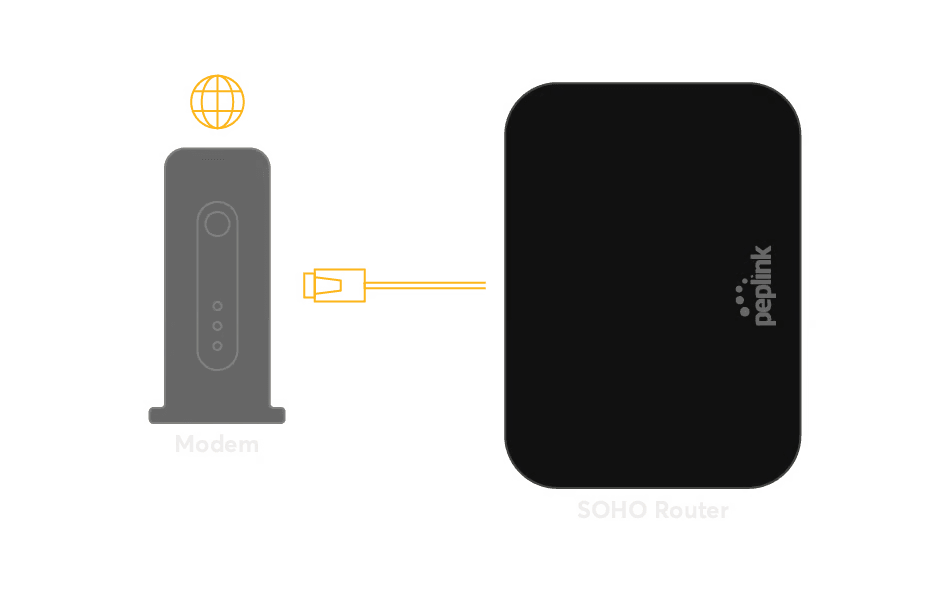
Setup step 1: linking the router WAN port to a modem with an Ethernet cable

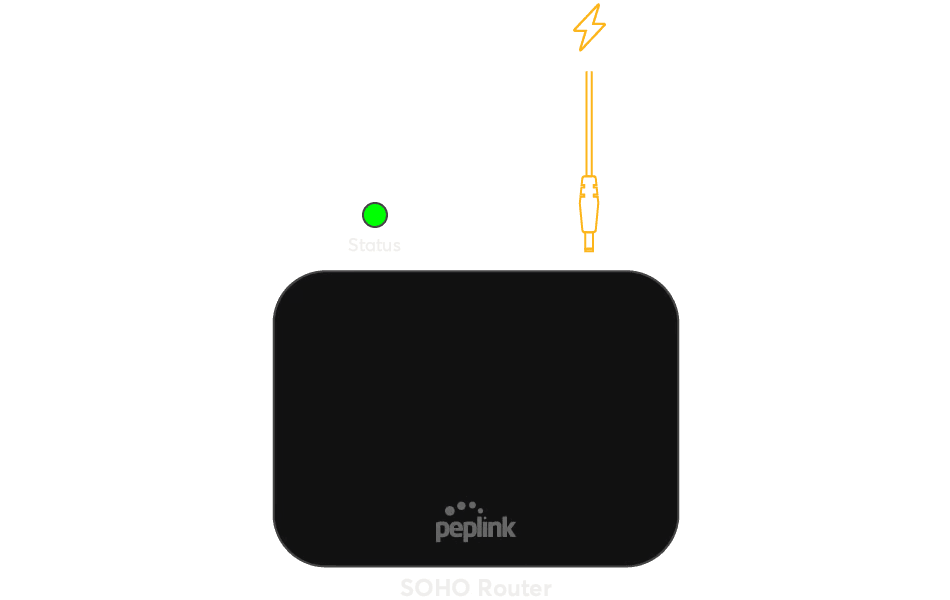
Connect the power supply and turn on the router.​

Setup step 2: connecting the power supply and turning on the router

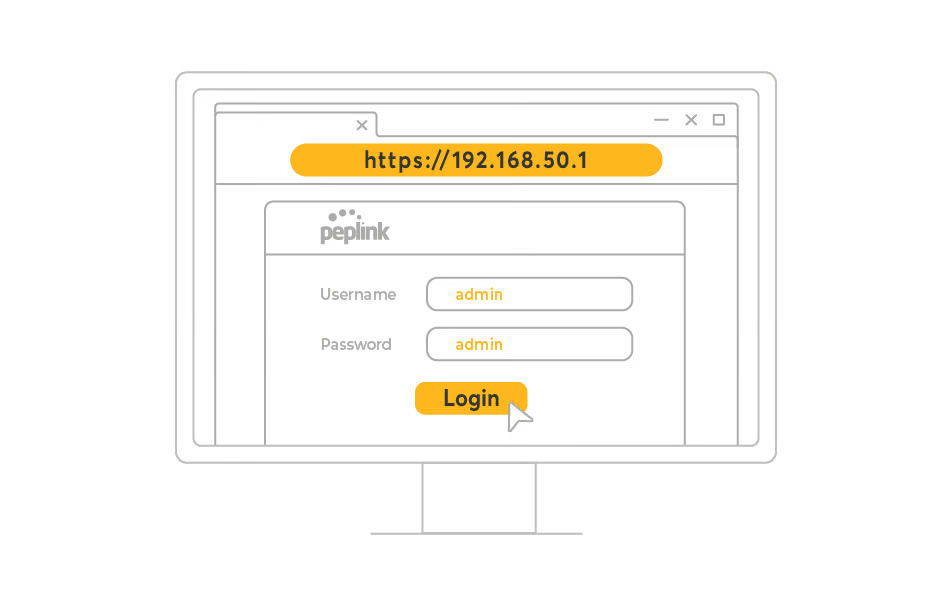
Open a web browser and enter the router's IP address to access configuration settings.​

Setup step 3: opening the router IP address in a web browser to reach settings

Set up your network name (SSID), password, and security options (WPA3 recommended).​

Setup step 4: configuring network name, password and WPA3 security options

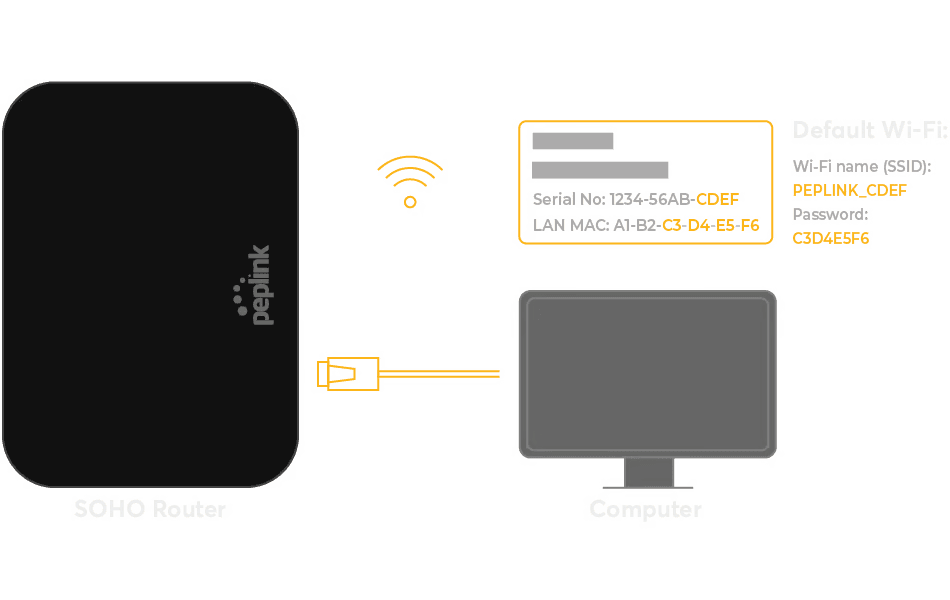
Link computers, phones, and other devices via Wi-Fi or Ethernet.
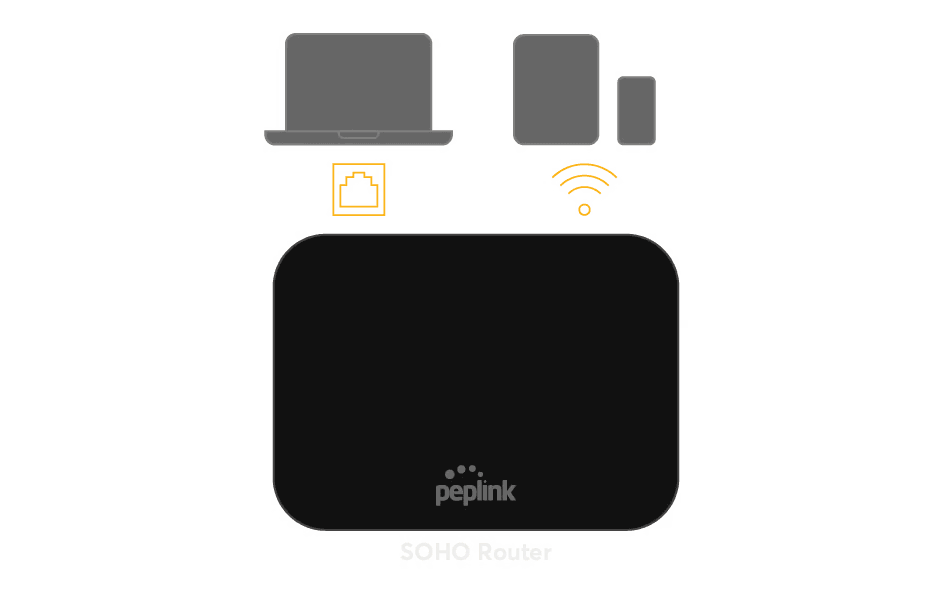
Setup step 5: linking computers and phones to the router via Wi-Fi or Ethernet