SOHO Routers

Enterprise-grade reliability and security for small businesses and home offices. Built for consistent connectivity, simple management, and future-ready growth.

Benefits of a SOHO Router

High-Speed Connectivity

Fast, stable internet for uninterrupted video streaming, large file transfers, business conferencing, and multi-device productivity.

Comprehensive Security

Enterprise-level firewall, encryption, VPN, and intrusion prevention safeguard sensitive business and personal data.

Simplified Management

Remote configuration and centralized monitoring make administration straightforward for small office and home office users.

Scalable Architecture

Expand network resources as new devices or team members are added, maintaining consistent speed and reliability.

Cost-Efficient Solution

All-in-one networking, management, and security tools; optimized for small business budgets and home office requirements.
SOHO Routers

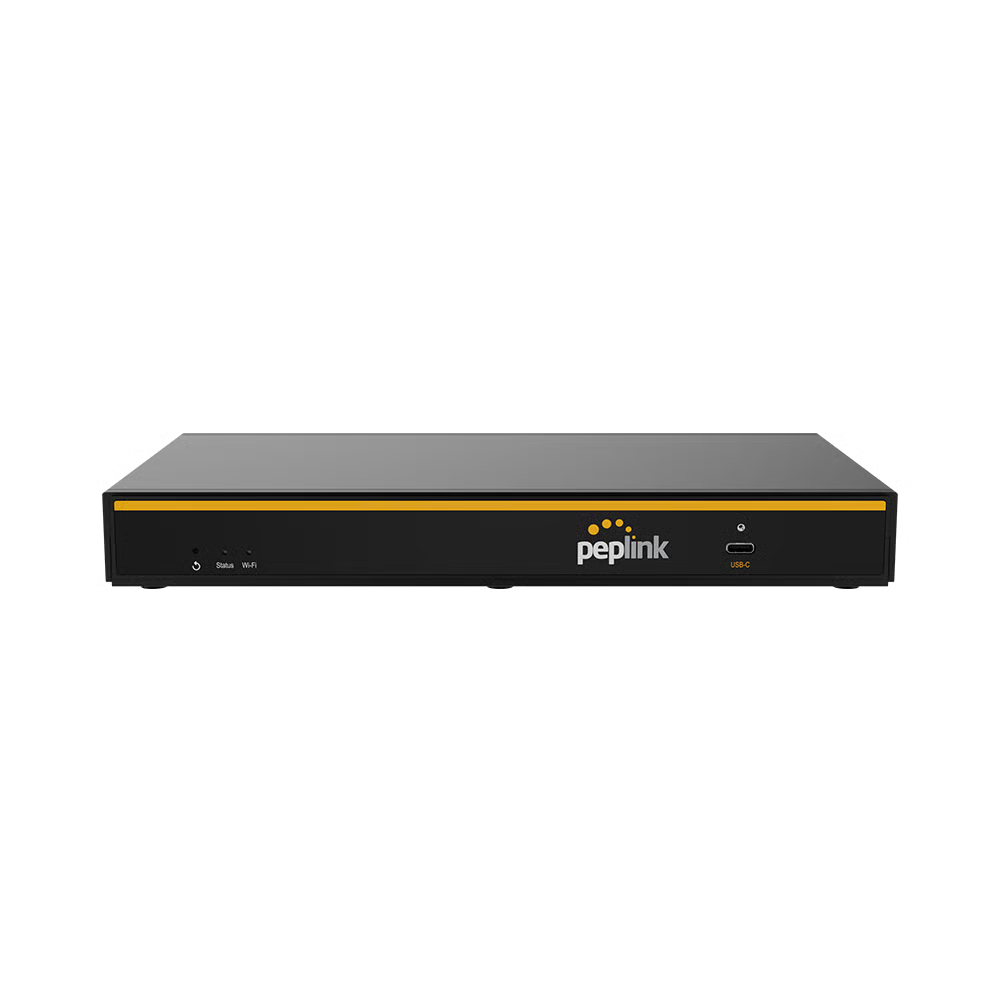
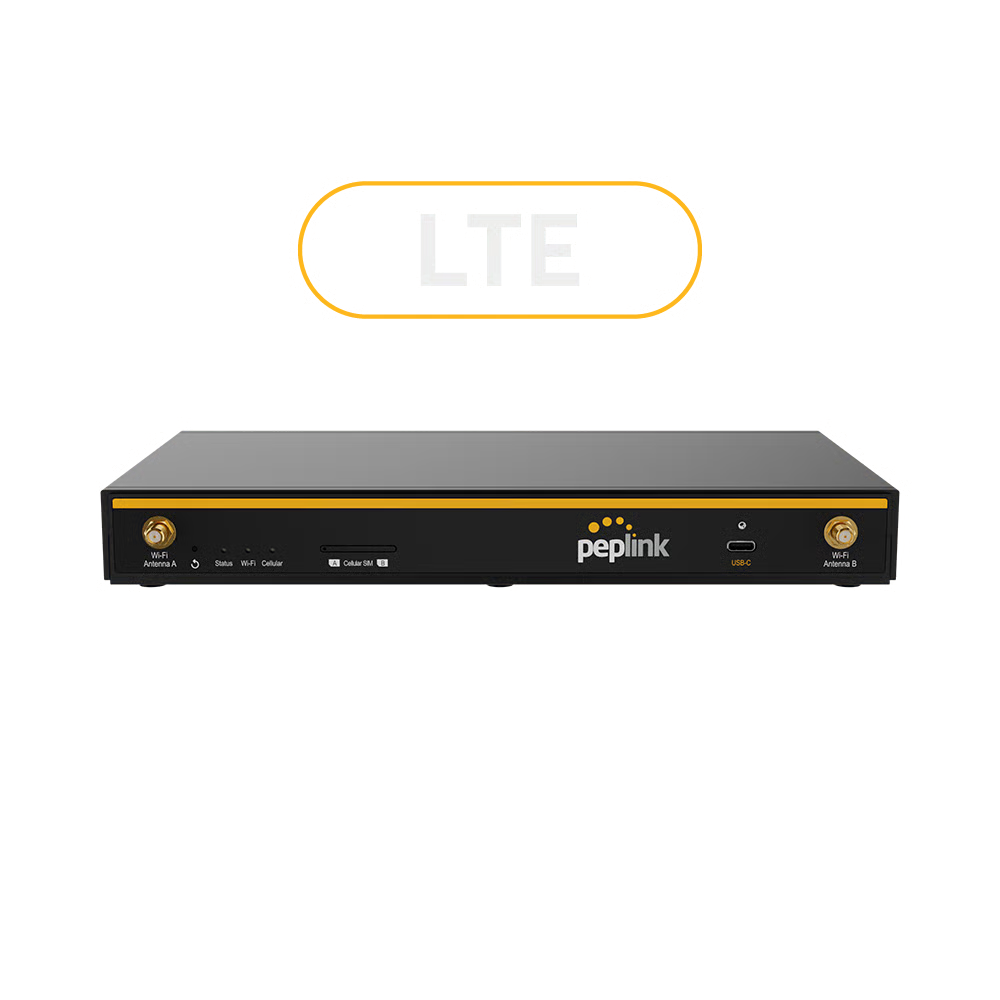
Explore SOHO routers designed for secure, scalable connectivity.

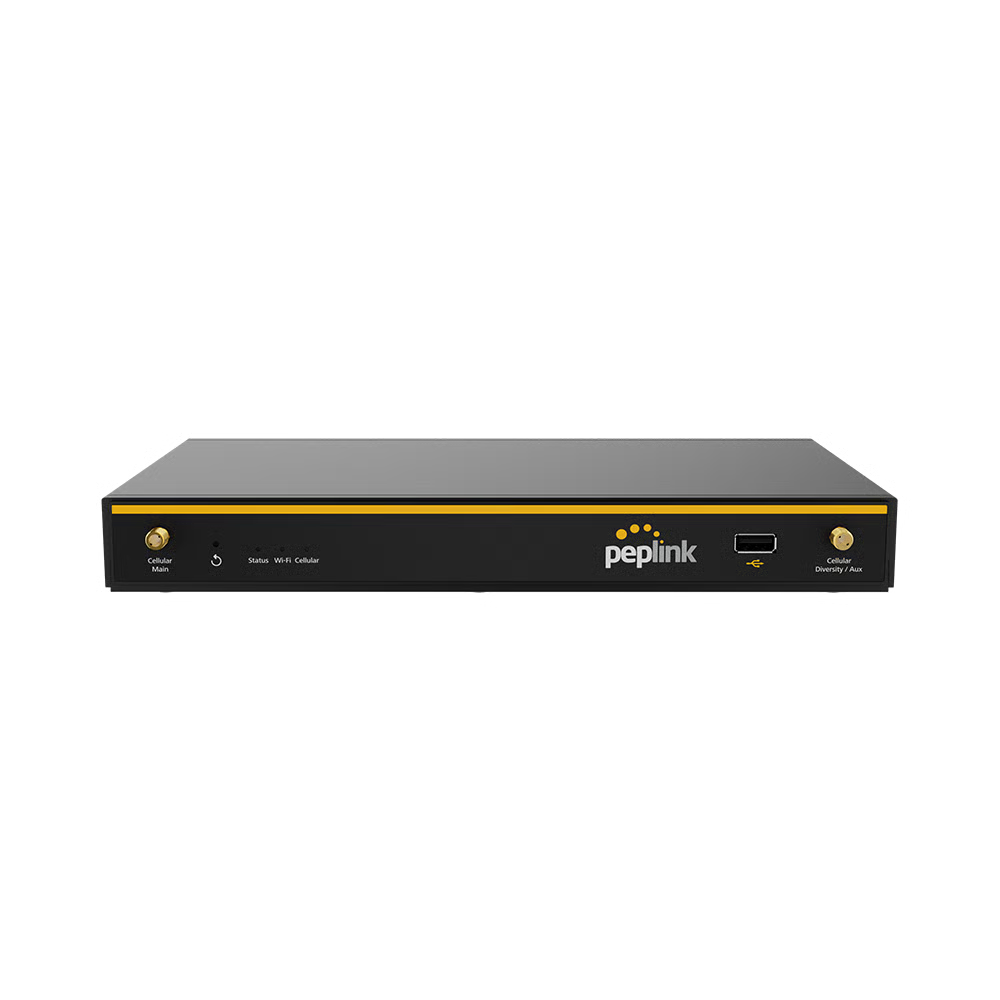
B One Plus
B One Plus

Scalable networking capacity with enhanced throughput, built for remote and distributed teams.

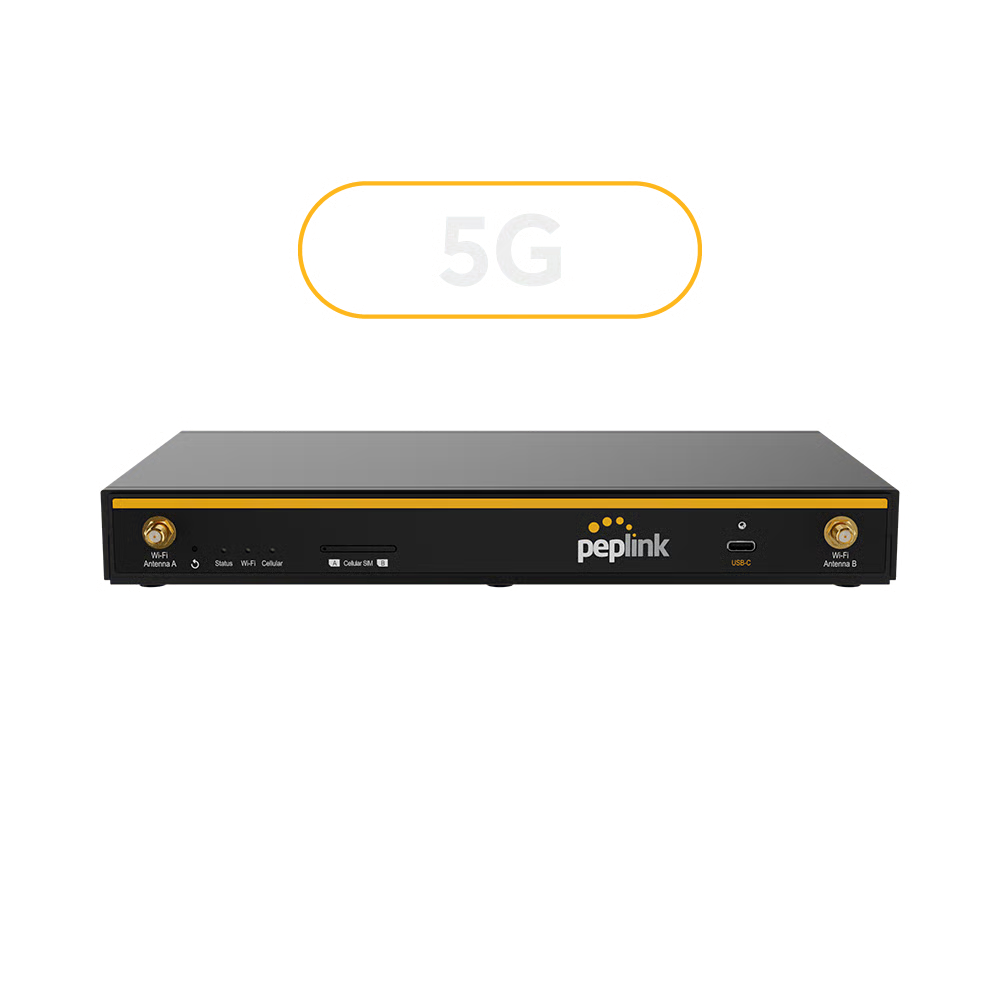
B One 5G
B One 5G

Dedicated 5G for instant speed, resilience, and business continuity.

Balance 20X
Balance 20X

Multi-WAN SD-WAN router for cost-effective, scalable branch networking.

SpeedFusion Connect Relay

Secure remote access using SpeedFusion’s advanced VPN technology.

What is a SOHO Wireless Router?

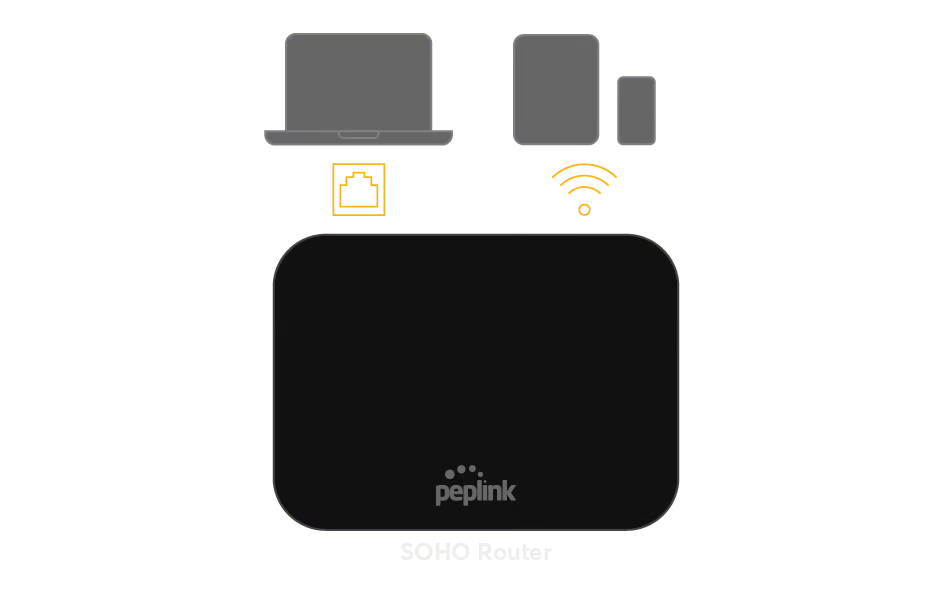
A SOHO Wireless Router combines routing, switching, firewall, and WiFi in a single device, designed for small business and home office environments. It connects computers, smartphones, and smart devices for secure, high-speed networking and resource sharing.

How to Set Up Your SOHO Router

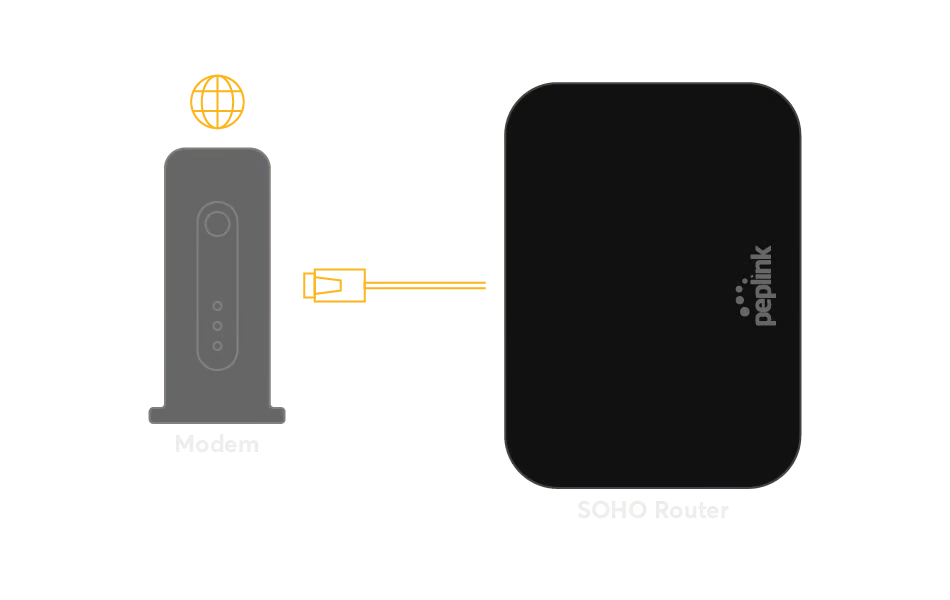
Link the router's WAN port to your modem using an Ethernet cable.

Connect the power supply and turn on the router.​

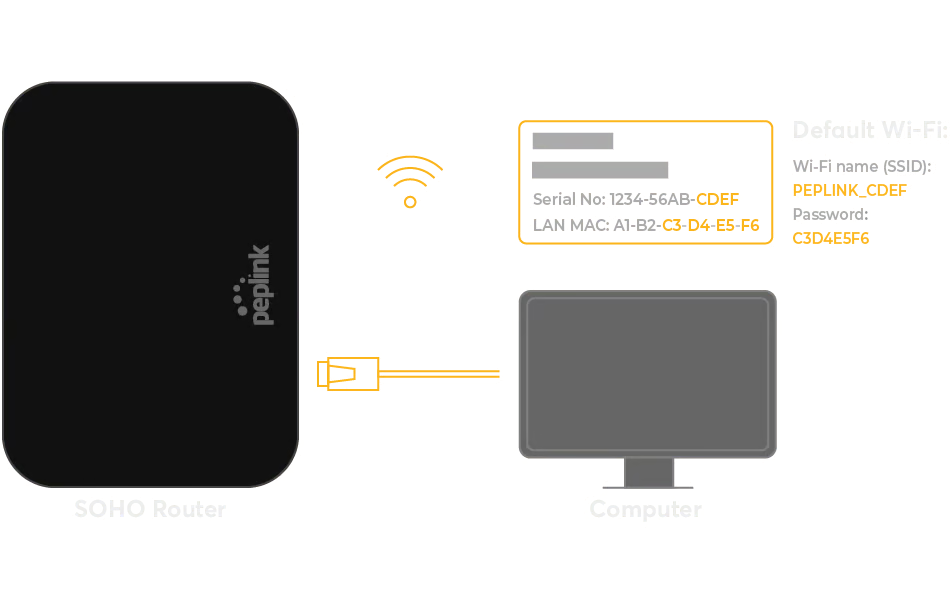
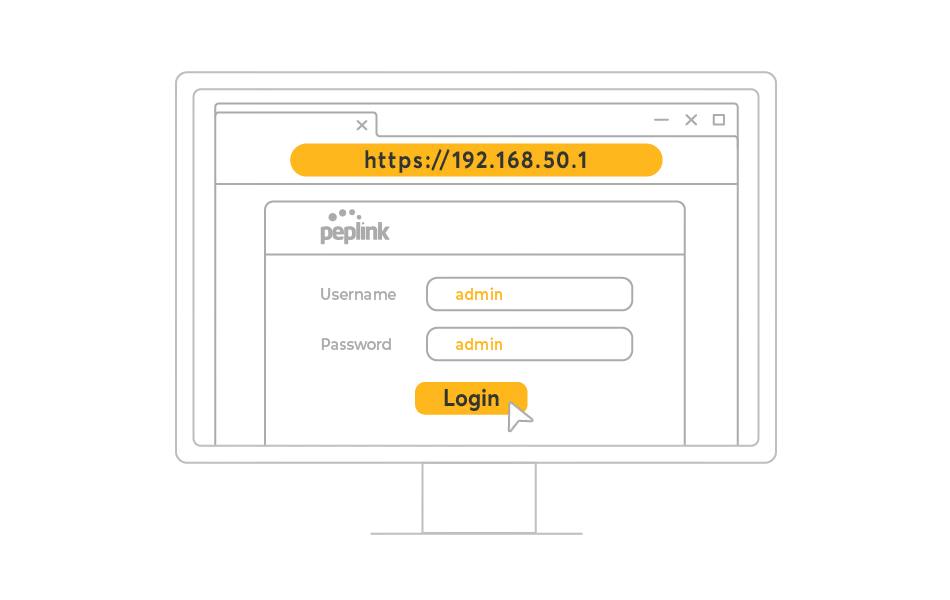
Open a web browser and enter the router's IP address to access configuration settings.​

Set up your network name (SSID), password, and security options (WPA3 recommended).​

Link computers, phones, and other devices via Wi-Fi or Ethernet.